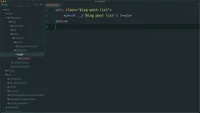
Create a new template file in Magento
Learn how to create Magento phtml template files and use the __ translation function for blog post lists.
Lesson Content
Before we add a block to our layout XML file, let’s first create a template to display for the block. Templates in Magento are a mix of PHP & HTML, and have the .phtml extension.
All templates are located in a view/frontend/templates directory, so let’s go ahead and create that directory. You can also organize your templates however you wish. Since we want to display a list of all blogs on this route, I’m going to organize my templates my creating a post directory. Next, we’ll create a file named list.phtml.
In template files, you pretty much will always want to wrap your content...

Join the discussion!
Comments
Want to comment on this lesson?
Enroll in this course to leave comments.