Delete data with a resource model in Magento
Learn how to delete data with a Magento 2 resource model using PostRepository deleteById and exception handling.
Lesson Content
Deleting data using a resource model is pretty straightforward, but the catch here is that you need to pass in an instance of the object to delete. We need to call the resource model’s delete function, and in this case need to pass in an instance of a Post object.
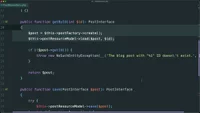
We can write the extra queries and parameters to fetch the post data, but remember we already have a getById function in this repository. So let’s just set the $post with a call to getById(), passing the $id directly into this function.
Update the deleteById method to first load the post using getById:

Join the discussion!
Comments
Want to comment on this lesson?
Enroll in this course to leave comments.