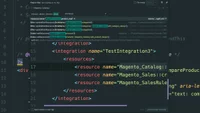
Locate block nodes within layout XML files in Magento
Locate block nodes for templates in Magento layout XML using module paths and global search.
Lesson Content
Locating the block node responsible for rendering a template in Magento is a bit easier than locating the template file itself, because we already know where the end file is located. This is a matter of translating the path to this file to the special string syntax that is passed around for when referencing templates in block nodes.
For example, this sidebar.phtml file is located in the Magento_Catalog module. We’ll notice that it is within the view/frontend/templates directory, but also within a product/compare subfolder. We can use this data to find out which block node is referen...

Join the discussion!
Comments
Want to comment on this lesson?
Enroll in this course to leave comments.