Use an after plugin to modify the result of a function in Magento
Learn how to use an after plugin in Magento to conditionally modify controller return templates.
Lesson Content
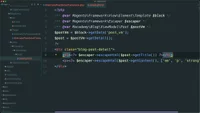
After plugins are used whenever you want to modify the return value of a function. Let’s say we wanted to modify the template of a specific controller, but only when a specific parameter is passed in. We know we can set a template with layout XML, but if we want to conditionally display a template, it’s better to set the template programmatically within a controller class.
Create a new plugin in the Plugin directory named AlternatePostDetailTemplate.php. Declare strict types, set the namespace to Macademy\BlogExtra\Plugin, and name the class AlternatePostDetailTemplate. We want to h...

Join the discussion!
Comments
Want to comment on this lesson?
Enroll in this course to leave comments.