Clear the context window in Claude Code
Use clear in Claude Code after each commit to reset context prevent hallucinations and keep AI responses relevant.
Lesson Content
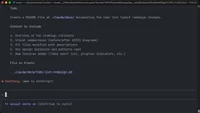
After completing a task and committing your code, you can run /clear to reset Claude Code's context window. This keeps the AI focused on your next task so it doesn’t get confused by previous tasks or conversations.
Most developers don't use /clear enough. If you're working in small batches — which you should be — you should be clearing the context constantly. This prevents hallucinations and keeps responses relevant to your immediate goal.
Why clearing matters
As your conversation grows, Claude Code accumulates context from everything you've discussed. File contents, code sni...

Join the discussion!
Comments
Want to comment on this lesson?
Enroll in this course to leave comments.