Debug frontend issues with images in Claude Code
Debug frontend issues with images in Claude Code using screenshots for visual bug detection and faster troubleshooting.
Lesson Content
Claude Code’s text analysis is extremely impressive, but it can even be aided with the help of visuals. This is why it also has the built-in capability for image recognition so it can visually understand what's happening on a page.
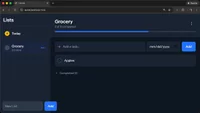
Using screenshots or other images can be incredibly helpful for Claude Code to debug issues, especially when they are related to frontend issues. In this case, we can supply it with either screenshots or images to let it know what’s going on.
The first method is to just manually drag & drop an image right into a Claude Code terminal session. Just explain what’s go...

Join the discussion!
Comments
Want to comment on this lesson?
Enroll in this course to leave comments.