Pass arguments to custom slash commands in Claude Code
Learn how to pass arguments to Claude Code custom slash commands.
Lesson Content
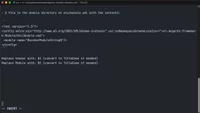
There will be times you will need to pass arguments into a custom slash command. In Claude Code, you can use the $ARGUMENTS variable to reference anything passed to the command, or $1, $2, to reference the first argument, second argument, and so on, which is exactly how bash scripts work too.
Let’s say we want Claude to create the skeleton of a custom Magento module in the app/code directory. This process requires creating a specific directory structure and files that follow strict naming conventions.
All we need to do this is a Vendor name and a Module name. So rather than needing t...

Join the discussion!
Comments
Want to comment on this lesson?
Enroll in this course to leave comments.