Understand the course format in Docker
Learn how to navigate the course format and use its available learning resources.
Lesson Content
Besides this specific page, this is a full-video screencast course! Feel free to pause, rewind, & play it back as many times as you wish.
Playback options
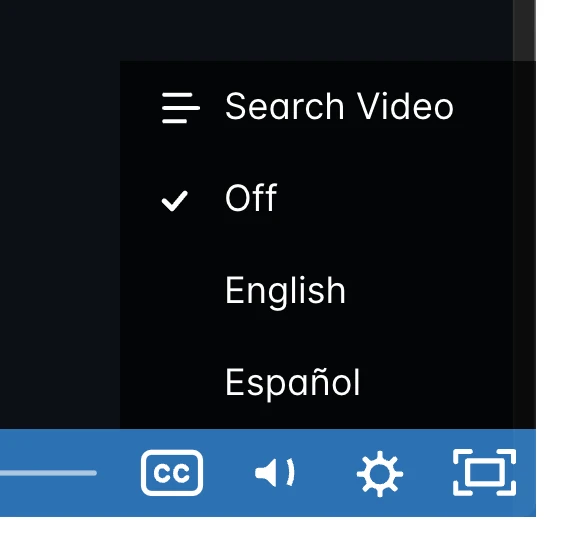
Just like all of the other courses at M.academy, every lesson has been transcribed with tech-friendly closed captions, and has also been translated to Spanish with the help of Google Translate. Click the little CC icon in the bottom right to enable them:
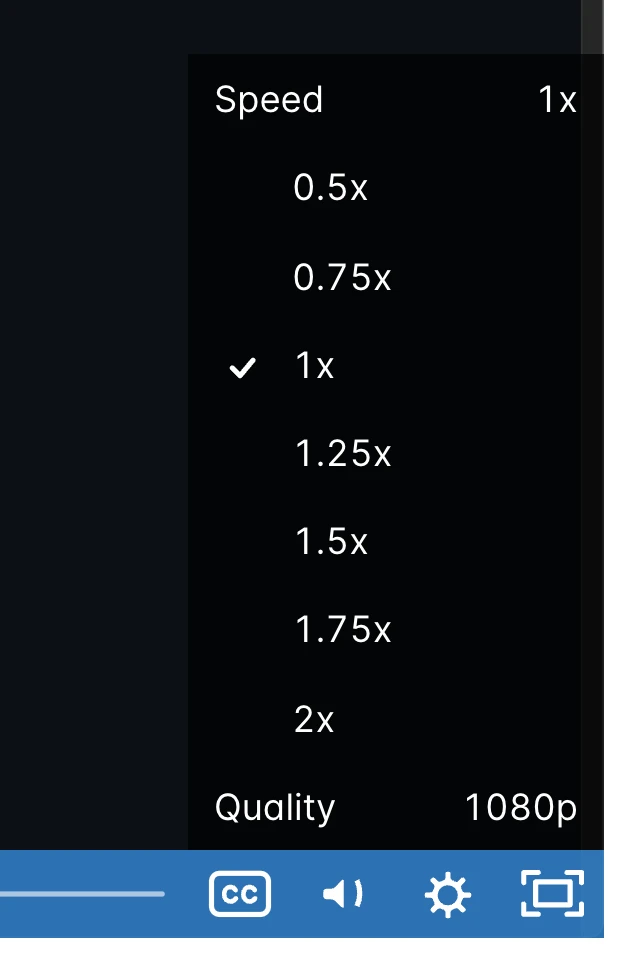
If you think I talk too fast or too slow, you can click the little gear icon and change the speed at which I'm talking:
Comments
If you have any questions or comments, feel free to post them directly on the related lesson within this course. Note that you need to enroll in the Library in order to post comments, so everyone knows who you are. Don't worry, it's free! And your info is never sold or spammed.
Bugs
This isn't the place! File them over on GitHub in the issues for markshust/docker-magento.
Additional discussion
If you're wondering how to do something not quite covered by this course, or would like to discuss something with others, create a new thread on GitHub in the discussions for markshust/docker-magento.
Like the project?
I'd appreciate a star on GitHub! 🤩
Enjoy the course! 🤙
Confused about Magento 2?
Get access to all current & future courses at M.academy. Also includes access to Campus, the premium community where you can ask technical Magento questions, Maggie, the 24/7 AI-powered Magento tutor, and Beeline, the best-practices M2 code generator.

Join the discussion!
Comments
Want to comment on this lesson?
Log in to leave comments.